AI inbox: snap a photo and the shop’s books are updated
Flower shop owners have busy hands all day. Instead of opening screens to enter data, you send a photo or a line to the "Send to AI" box on the first page.
Written by Hoai Floral, the shop running on Flow-er every day · Updated
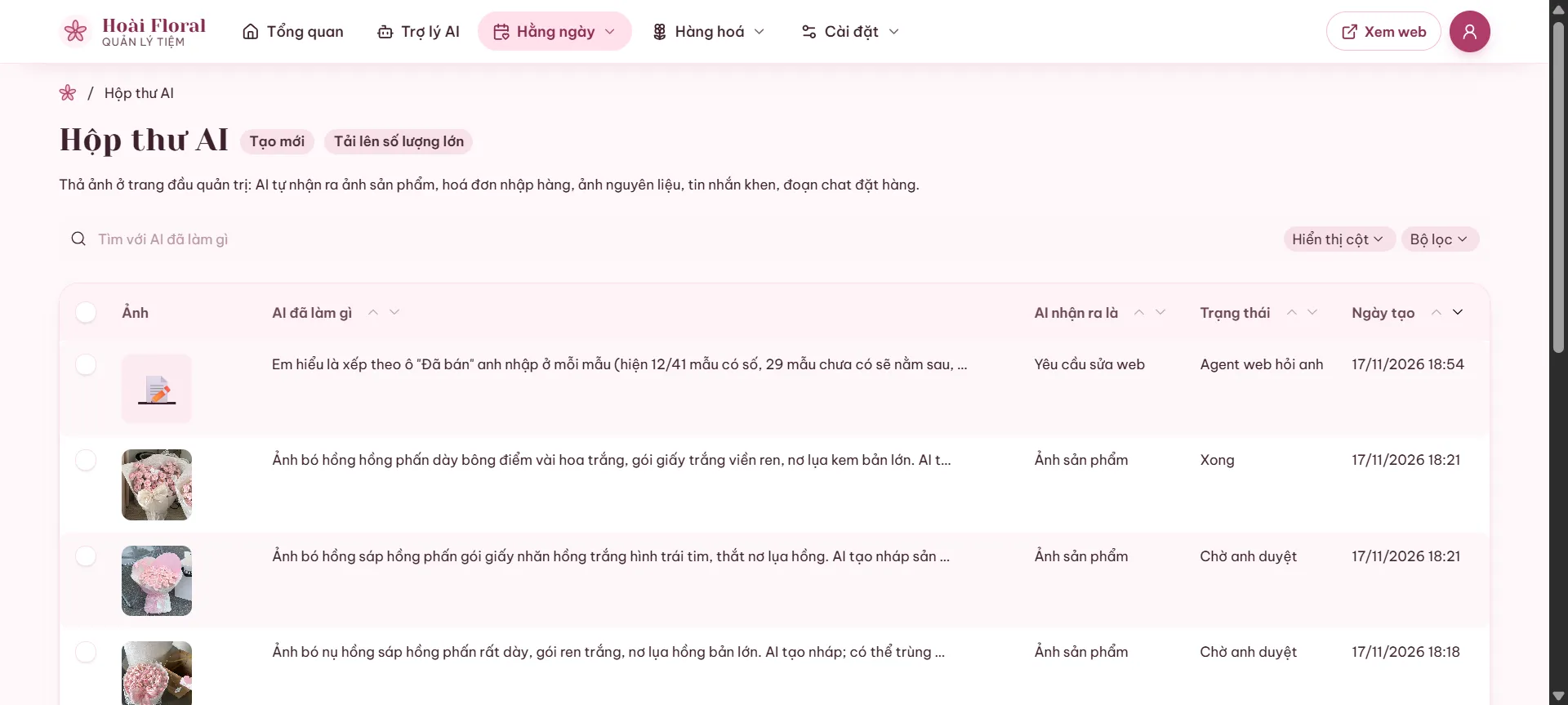
What the AI recognises
A bouquet photo becomes a product draft. A supplier receipt becomes purchase lines with prices. A material photo becomes a new material with its picture. A customer’s thank-you becomes a hidden "Customer stories" entry. An order chat becomes an order suggestion.
At Hoai Floral the AI inbox has received 42 items, 31 already done. Anything touching money (cash book, prices) waits for the owner’s approval.
How it works
- Tap the camera or paste a photo into Send to AI.
- Add a few words if needed ("this morning’s market receipt").
- Check the result in the AI inbox and approve money items.
FAQ
- Can text inside a photo give the AI orders?
- No. Text in photos, files or messages is treated as data, never as instructions.